pgSherpa: a PostgreSQL companion for your Mac, now on the Mac App Store
A small mountain guide who stands in the corner of your screen and tells you, in plain words, when your PostgreSQL servers need you. Free.
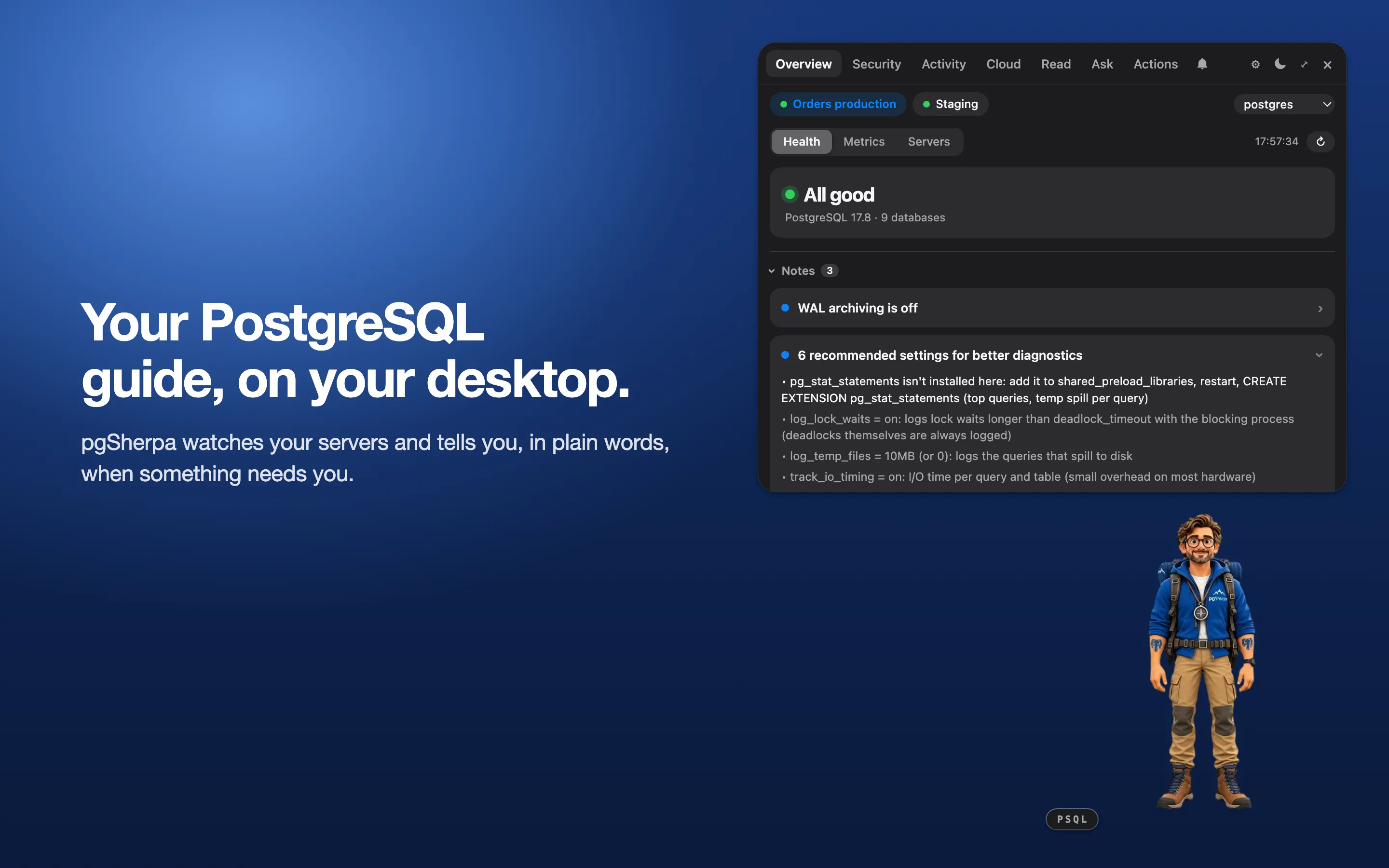
pgSherpa is a small mountain guide who stands in the corner of your Mac’s screen and watches your PostgreSQL servers. While they are fine, he stays out of the way. When one needs you, he says so in a sentence.
He is now on the Mac App Store, and he is free.
He tells you when something is wrong
Locks, long queries, replication, vacuum, wraparound, connections. One card per problem, with the rows behind it. That is the picture above: all good, with three notes worth a look.
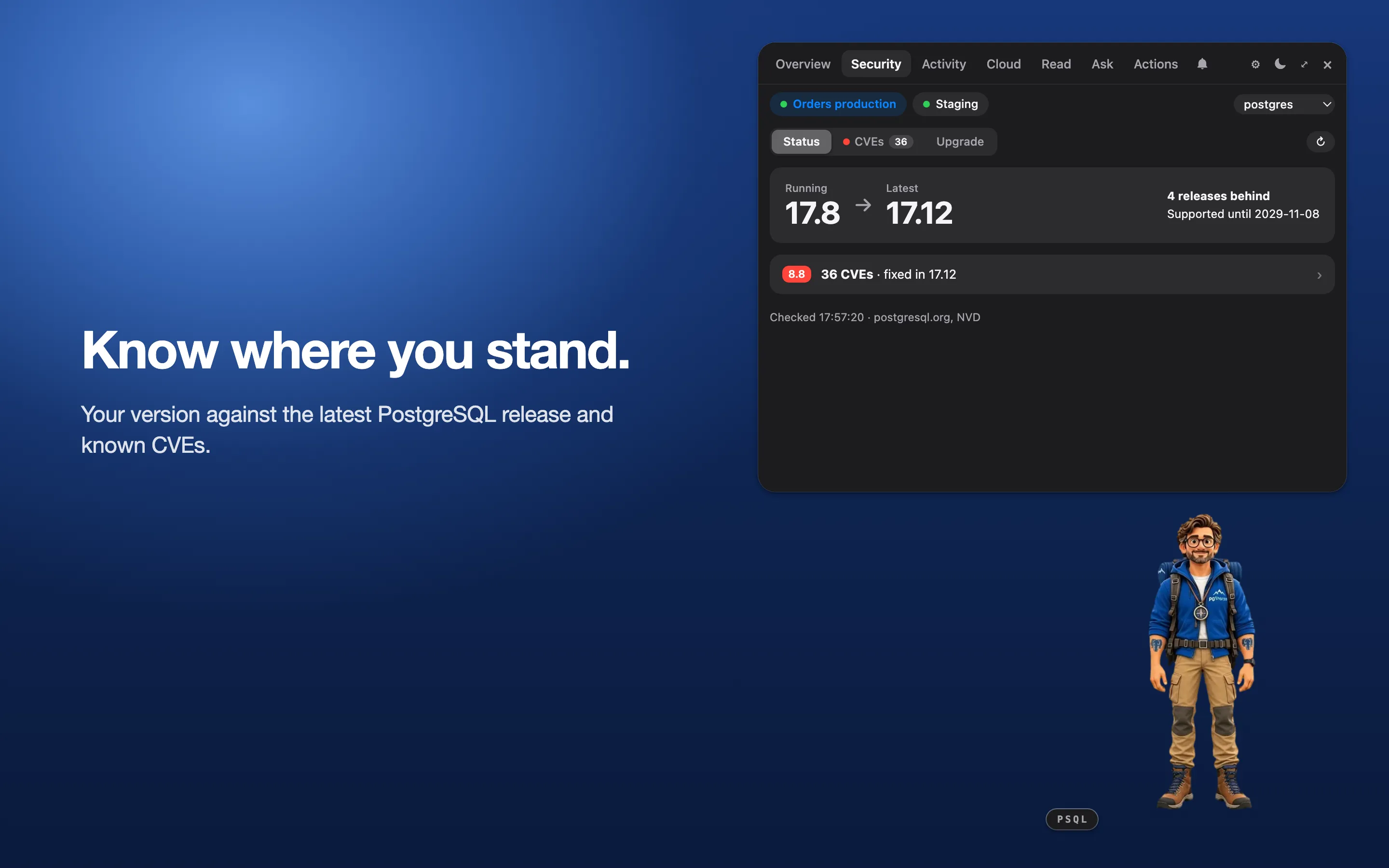
He knows where your version stands
Your server against the latest PostgreSQL release and the known CVEs.
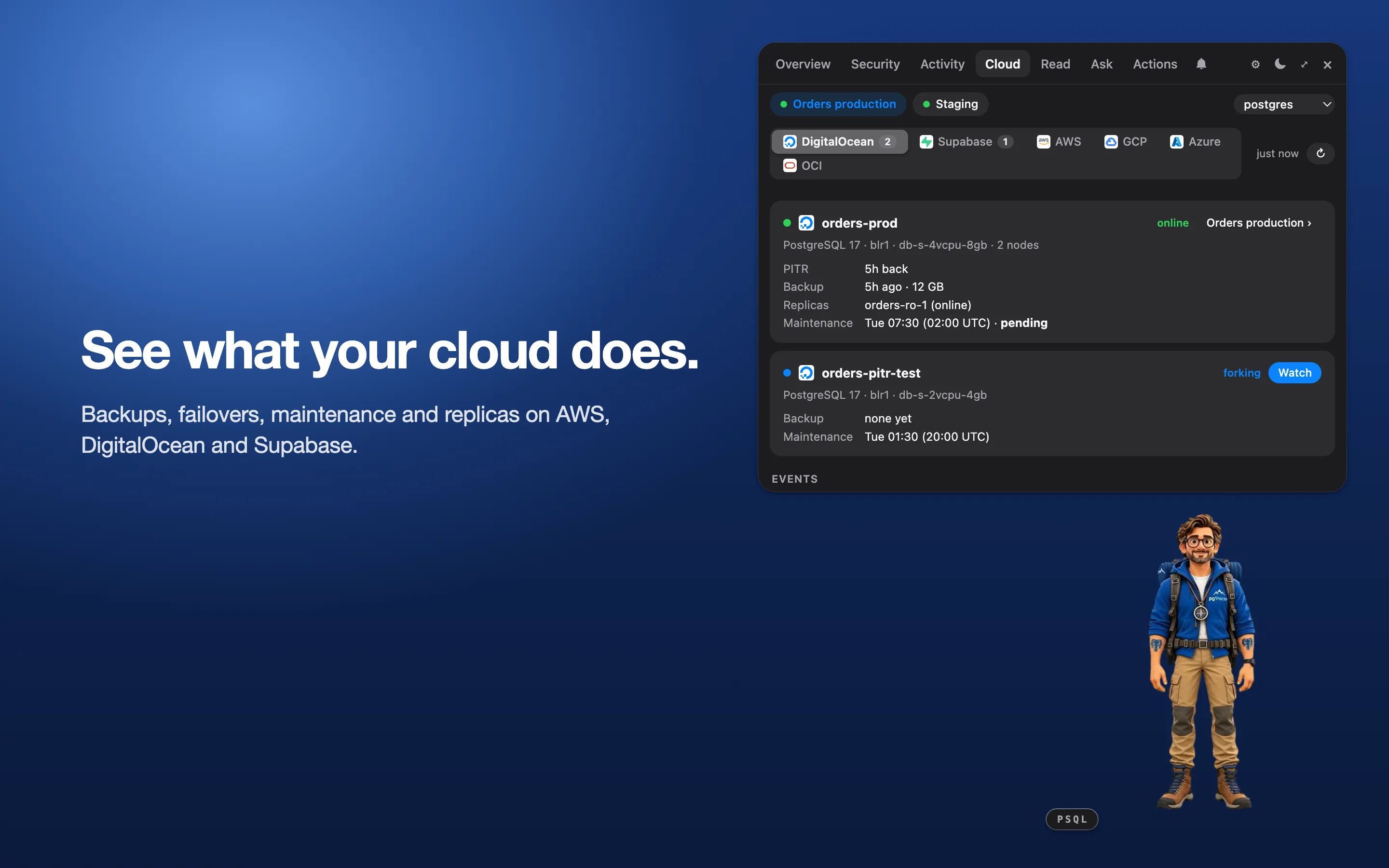
He sees what your cloud does
Backups, failovers, maintenance and replicas, read from your provider’s account.
DigitalOcean, Supabase and AWS today. Google Cloud, Azure and Oracle Cloud are coming.
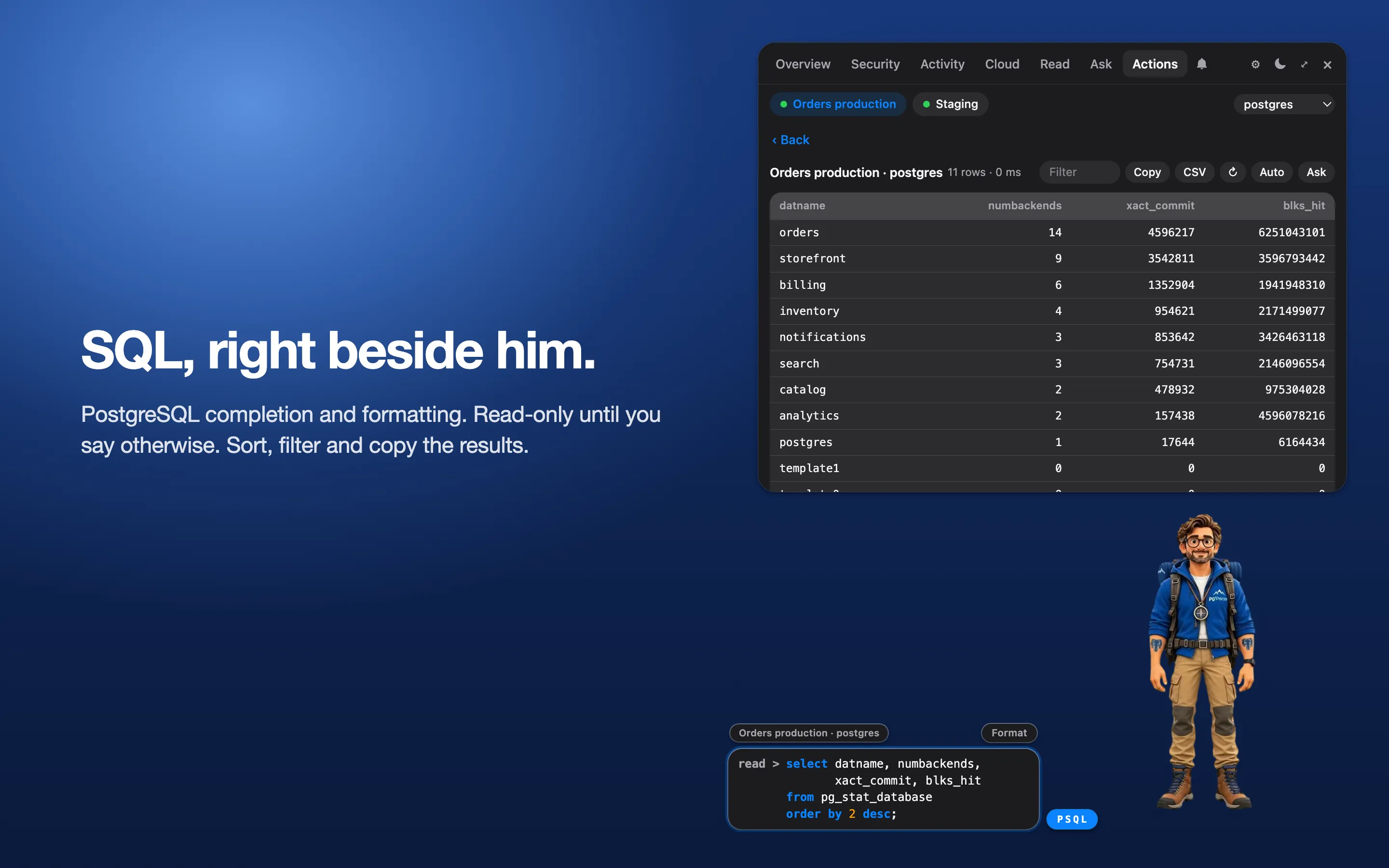
SQL, right beside him
PostgreSQL completion and formatting, and results you can sort, filter and copy. Read-only until you say otherwise.
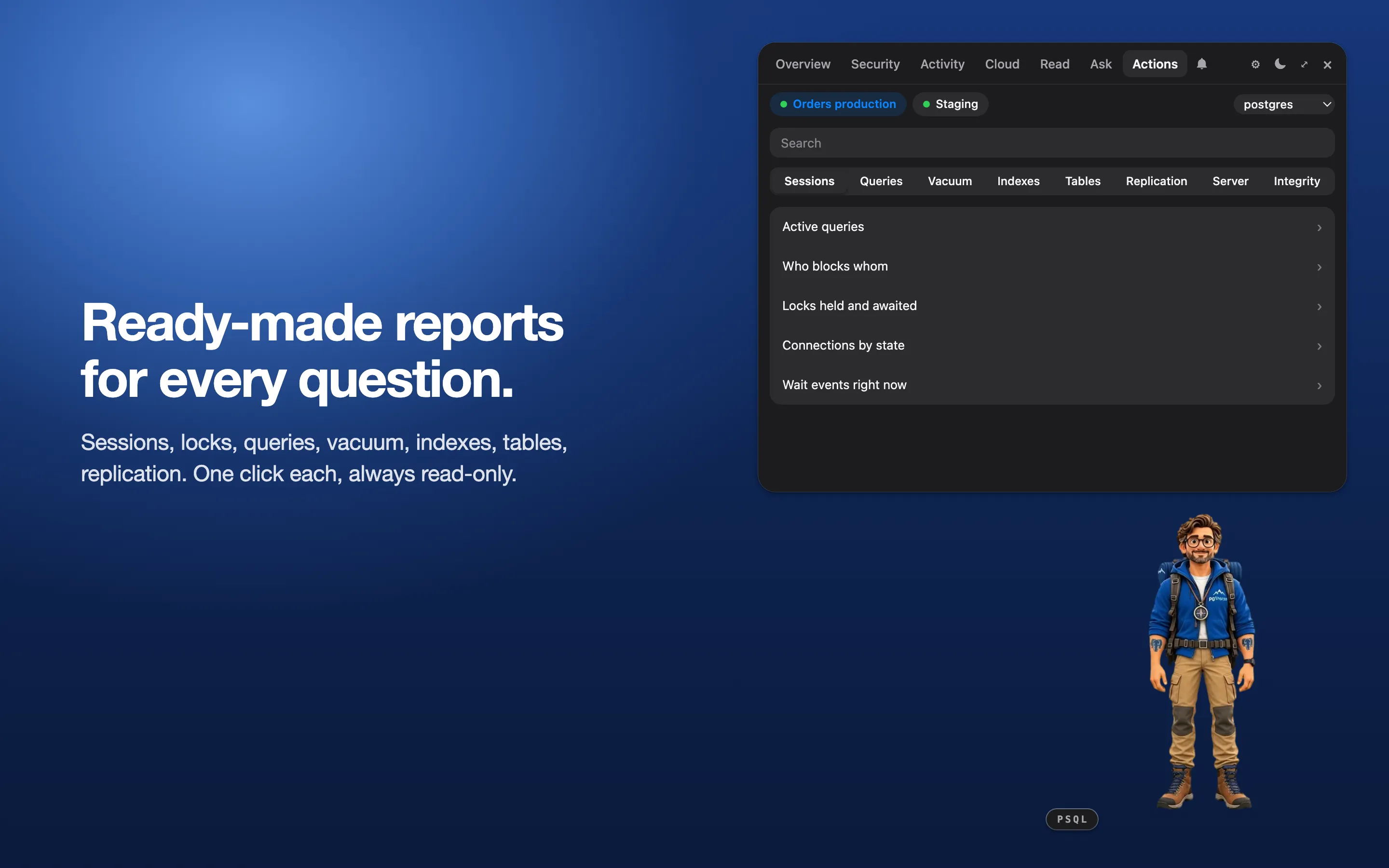
Ready-made reports
Sessions, locks, queries, vacuum, indexes, tables, replication. One click each, always read-only.
Safe on production
- He only reads. Every statement runs in a read-only transaction; writing takes a switch and Touch ID or your password.
- He needs little. A role with
pg_monitor. No extension, no agent. - He collects nothing. No account, no telemetry. Your passwords and keys stay in your Mac’s Keychain.
Get him
Download pgSherpa on the Mac App Store. It is free, and it runs on any Mac with macOS 12 or later. Direct downloads are on the home page.
Tell me what he gets wrong or what he is missing: open an issue.
Keep reading
All articles →pgsonify: Hearing PostgreSQL Health as Elephant Sounds
pgsonify is an experimental MIT-licensed tool that sonifies PostgreSQL health metrics as real elephant recordings. How it maps stats views to sound.
How to Reduce PostgreSQL Memory Usage and Cut Your Cloud Bill in Half
How to reduce PostgreSQL memory usage and your cloud bill: one pooler setting took a customer from 93% memory to 50%, and from $630 to $320 a month.
SQL vs PL/pgSQL in PostgreSQL: Plan Caching
SQL vs PL/pgSQL functions in PostgreSQL 16: why a SQL function is re-planned on every loop call, how to reduce plan time.